![Cordinate_Logo.svg]](https://www.coredinate.de/hubfs/Website%20(coredinate.de)/Images/Logos/Cordinate_Logo.svg)
Edit existing form
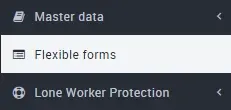
Click on Flexible forms in the main menu on the left on the form you want to change.

The fields are transferred directly to the form when they are created. These fields can also be edited later. To do this, please click on the small pencil symbol to the right of the name of the field you wish to edit and change the name, the description (formerly hint text) the options and whether the field should be reusable.

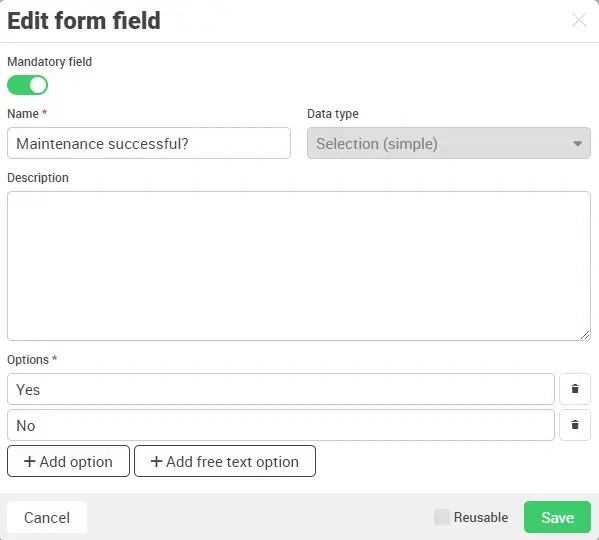
The following processing options are available:
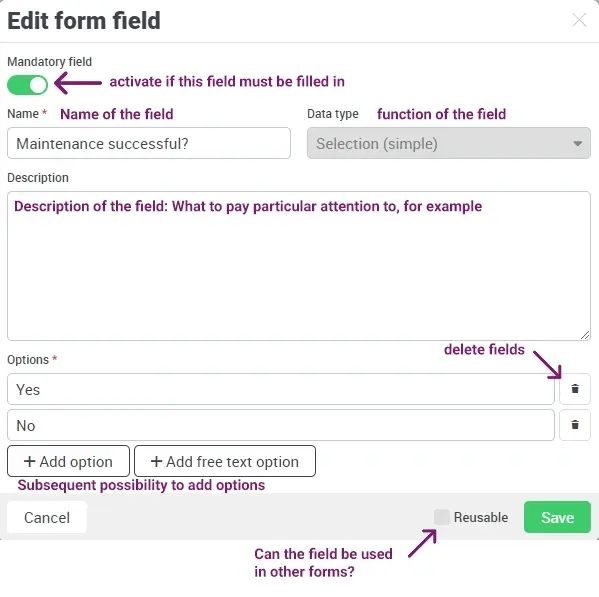
You can rename the radio buttons of the field according to your needs, delete options or add more, or specify whether or not a form field may be used in other forms.
If a field has already been used once in a form (even in the same form), it is no longer possible to change the function of the form field (e.g. from single selection to multiple selection).