![Cordinate_Logo.svg]](https://www.coredinate.de/hubfs/Website%20(coredinate.de)/Images/Logos/Cordinate_Logo.svg)
Move checkpoints to another area
Select the customer/area in which the control points you want to move are located.
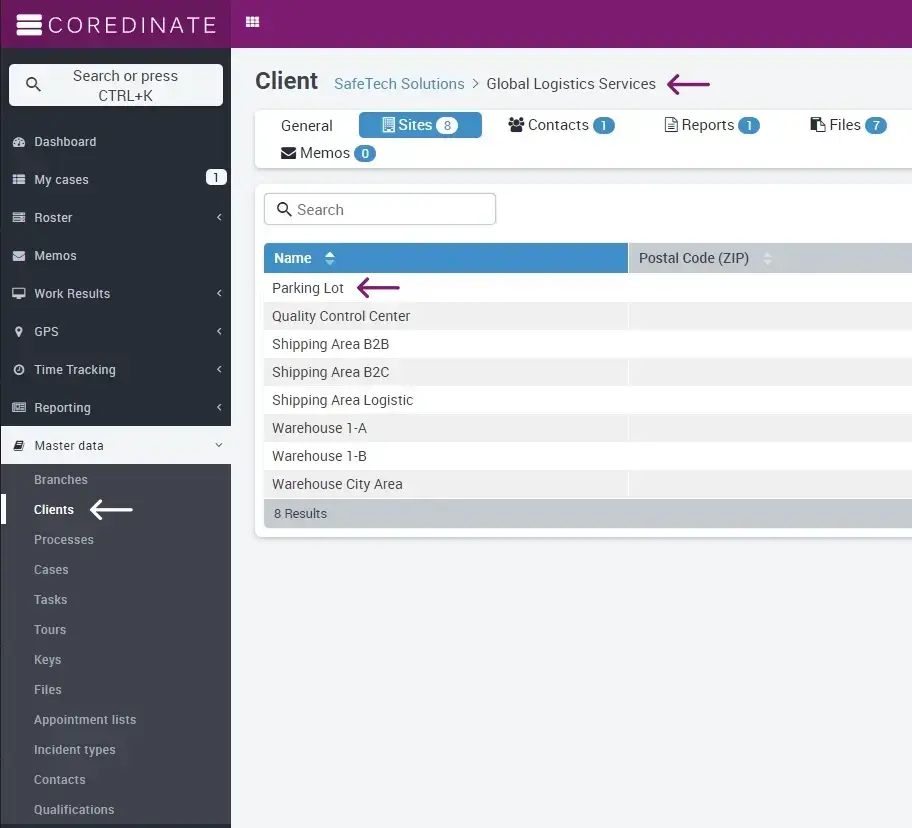
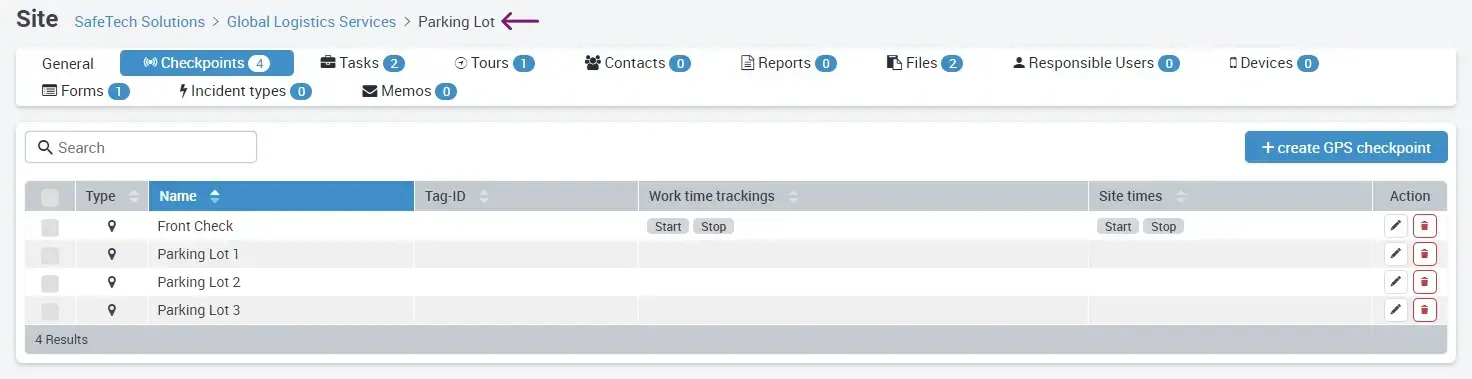
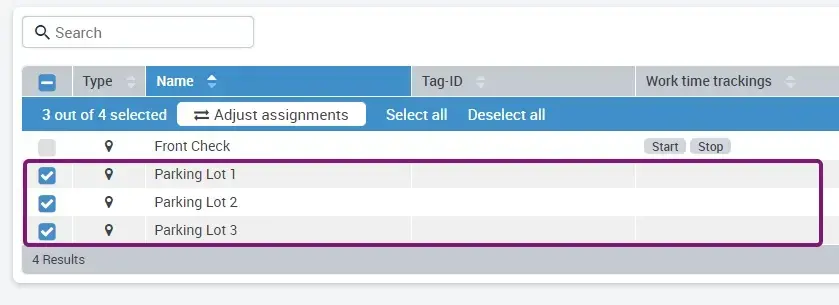
Select the control points that you want to move. Then click on the Adjust assignments button.
Select the area that you have chosen as the target for moving the control points.
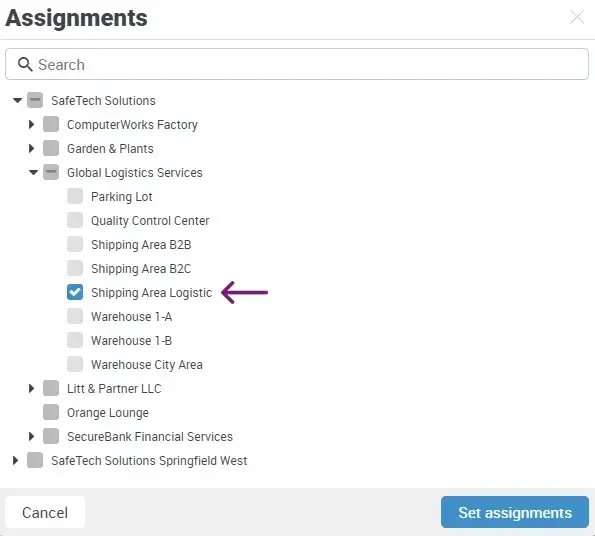
Click on Set assignments. The success will be displayed in green at the bottom right.
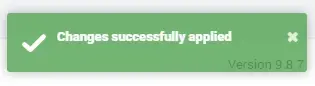
The control points are now ready for use where you have moved them.
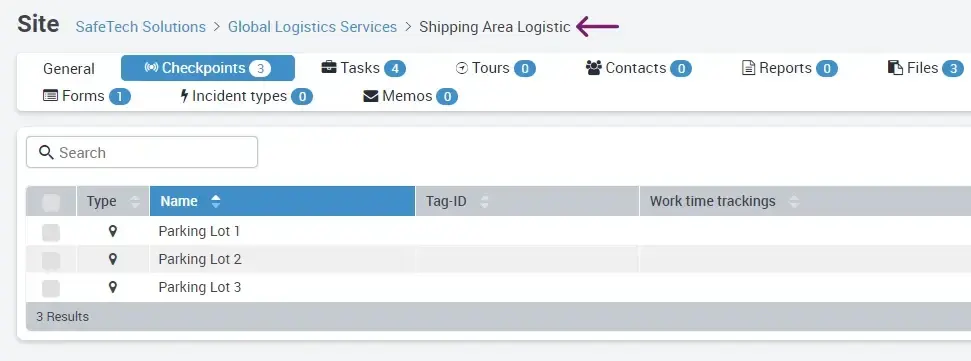
If tasks are assigned to a checkpoint, the tasks for the checkpoints are also moved!